
Made from these photos
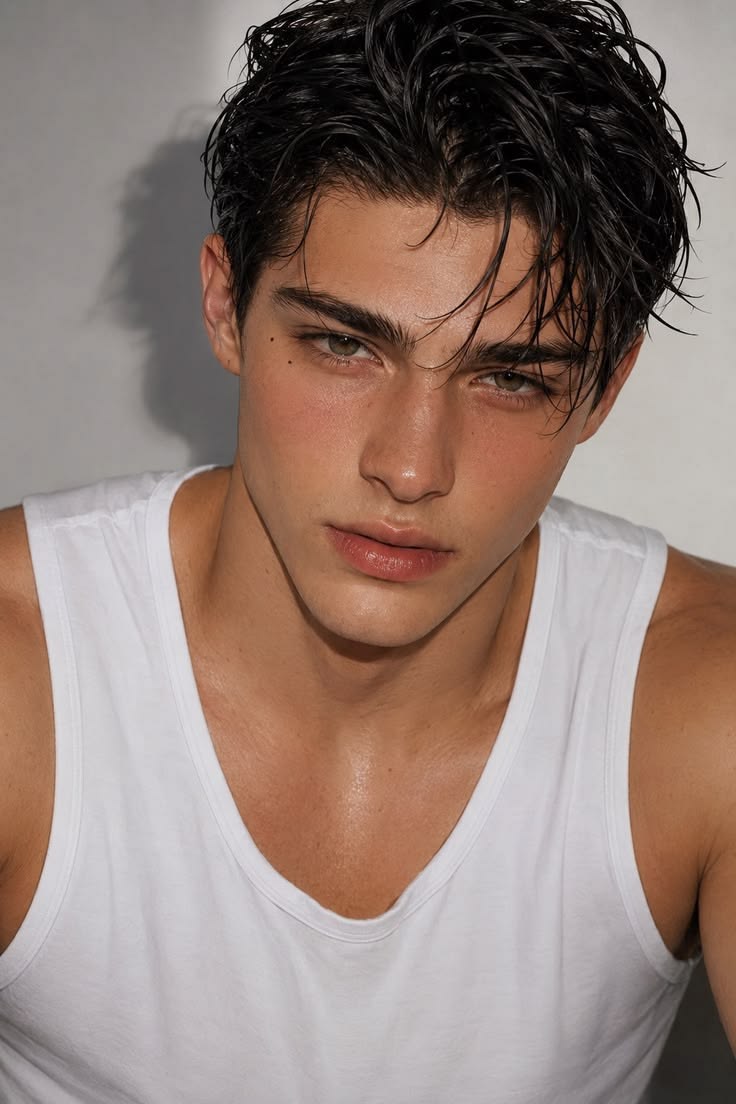
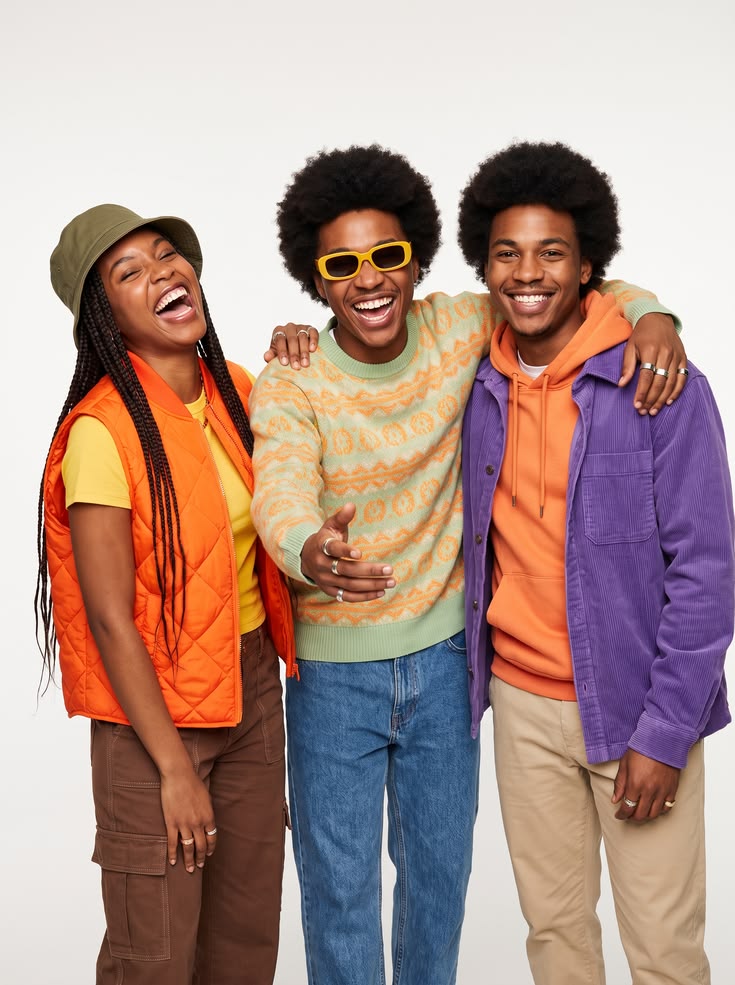
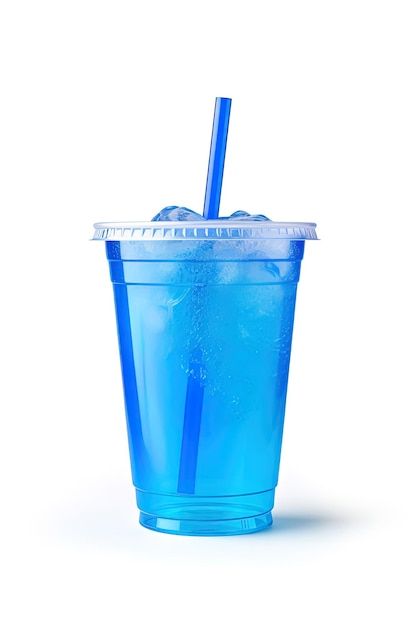
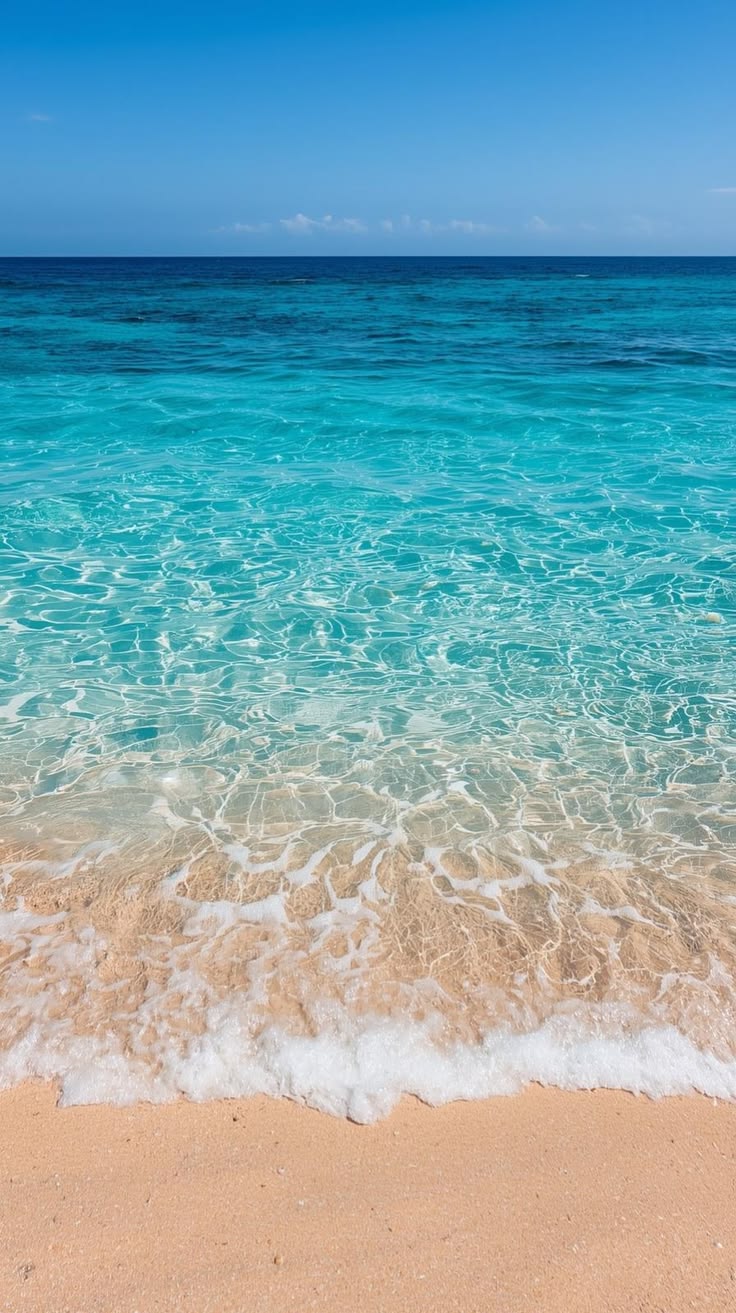
Trend Remake
Burning Bridges Party AI Video
Upload yourself, your friends, a prop and a setting to generate the party clip.
- 4 photos
- 10s · 16:9
- 60 credits
Clear, front-facing photos work best · JPG, PNG or WebP up to 20 MB
Only upload photos of yourself or of adults who agreed to it. Photos of children, public figures, or anyone who didn't agree can't be uploaded.
How it works
How to Make a Viral Video with AI in 3 Steps
Start from a trend instead of a blank timeline. You don't plan shots, act or edit — the template already holds the scene, camera moves and timing.
- 01Choose a viral video template
Watch the example video and see how many photos the template needs.
- 02Add your photos
Upload one clear JPG, PNG or WebP photo per role, and confirm everyone in them agreed.
- 03Generate and download
Your video is usually ready in a few minutes. Preview it, then download the MP4.
- No prompt writing for templates
- Credit cost shown before you generate
- Failed generations refunded in credits
- No Trends Meme watermark on downloads
Explore Viral Video Templates
Browse video styles you can recreate with your own photos. Preview a template, check how many photos it needs, and start creating.